
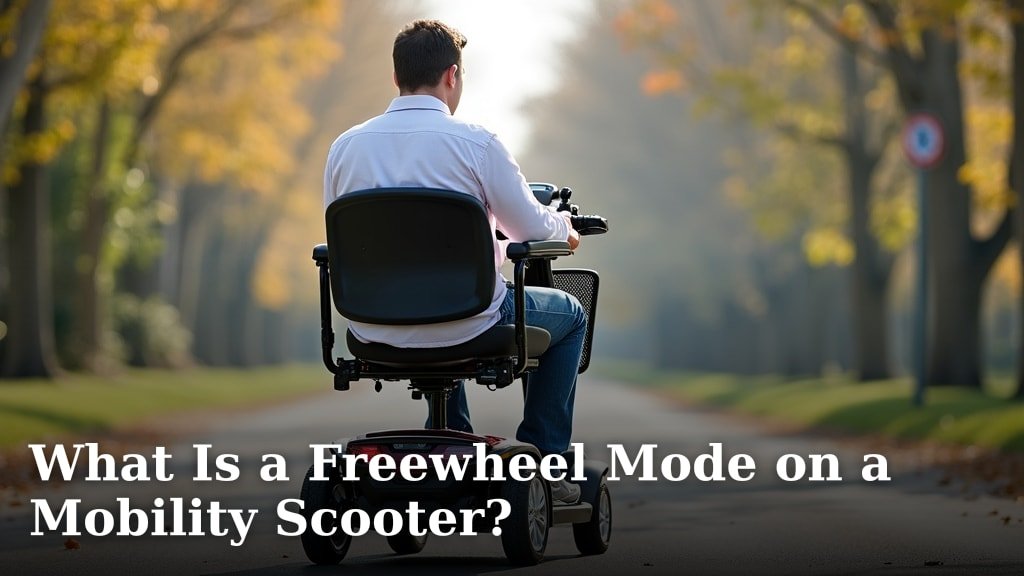
A freewheel mode on a mobility scooter is a setting that allows you to push or manually maneuver the scooter. It essentially disengages the motor. This is super helpful when you need to move your scooter without using battery power. You’ll often use it to move the scooter if the battery dies or to place it in your car. It’s a simple feature that gives you a lot of flexibility.
Understanding this mode is key to getting the most out of your mobility device. Many users find it surprisingly useful for everyday situations. It’s not just for emergencies; think about moving it across a garage or into a tight parking spot. Knowing how to engage and disengage freewheel mode ensures you can always manage your scooter easily, even without power.
- Freewheel mode lets you push your scooter manually.
- It disconnects the motor so you don’t have to fight it.
- Great for saving battery or when the battery is low.
- Useful for repositioning the scooter easily.
Ready to learn how this handy feature works and when you might need it? Let’s break down exactly what freewheel mode is and how to use it.
Understanding Your Mobility Scooter’s Freewheel Feature
A freewheel mode on a mobility scooter is a setting that allows you to push or manually maneuver the scooter. It essentially disengages the motor. This is super helpful when you need to move your scooter without using battery power. You’ll often use it to move the scooter if the battery dies or to place it in your car. It’s a simple feature that gives you a lot of flexibility.
Understanding this mode is key to getting the most out of your mobility device. Many users find it surprisingly useful for everyday situations. It’s not just for emergencies; think about moving it across a garage or into a tight parking spot. Knowing how to engage and disengage freewheel mode ensures you can always manage your scooter easily, even without power.
What Exactly Happens in Freewheel Mode?
When you engage freewheel mode, you’re essentially telling your scooter’s motor, “Take a break!” The internal mechanics that drive the wheels are temporarily disconnected. This means you won’t feel any resistance from the motor if you try to push the scooter. It’s like putting a car’s transmission in neutral, but specifically for the electric motor. You’ll be able to roll the scooter freely by hand, which is a lifesaver in many scenarios.
Think of it like this: when the motor is engaged, it’s like trying to push a bike with the pedals locked. When it’s in freewheel mode, it’s like pushing that same bike with the pedals freely spinning. This simple mechanical trick makes all the difference when you need to move the scooter without power. It’s a fundamental feature designed for your convenience and control.
The Disconnection Process Explained
The process usually involves a small lever or switch. You’ll find this typically near the motor or on the tiller of your scooter. Moving this lever to the “freewheel” or “neutral” position physically disengages a clutch mechanism. This clutch is what normally connects the motor’s power to the drive wheels. Once disengaged, the wheels are free to spin without the motor’s influence. It’s a direct mechanical intervention.
Many scooter manufacturers design this lever to be easily accessible. You might need to consult your owner’s manual for the exact location on your specific model. But the principle remains the same: a simple shift allows you to bypass the electric drive system. This is a standard feature across most mobility scooter designs.
Why You Might Need Freewheel Mode
There are several practical reasons why you’d want to use freewheel mode. The most common is when your scooter’s battery runs low or is completely depleted. Instead of being stranded, you can put the scooter in freewheel mode and push it to a charging station or home. This prevents you from being stuck in a situation where you can’t move your device at all. It’s a critical backup system.
Another frequent use is for transportation. If you need to load your scooter into the trunk of a car or onto a vehicle lift, freewheel mode is essential. It allows you to push the scooter into place without the motor’s power interfering. This makes maneuvering it into tight spaces much easier. It’s a feature that adds a lot of practicality to daily life.
When the Battery Gives Out
Running out of battery is probably the most cited reason for using freewheel mode. Batteries can sometimes drain unexpectedly, especially if they haven’t been charged properly or if you’ve used the scooter for longer than usual. In such cases, the motor will stop working, and the scooter will simply stop. If you can’t immediately charge it, freewheel mode is your solution. You can then manually move the scooter to a safer location or get help.
We found that many users appreciate this fail-safe. It reduces the anxiety of being stranded. Imagine being a mile from home and your battery dies. Without freewheel, you’d be stuck. With it, you can simply push it the rest of the way. It’s a testament to thoughtful engineering for everyday users (National Mobility Equipment Dealers Association).
Getting Your Scooter Ready for Transport
Loading a mobility scooter into a vehicle can be a challenge. Most scooters are quite heavy, and their motors offer resistance. When you switch to freewheel mode, this resistance disappears. You can then push the scooter onto a ramp or into a cargo area more easily. This is especially helpful if you have limited physical strength or if someone else is assisting you. It makes the logistics of travel much smoother.
Some specialized lifts and ramps are designed to work with scooters in freewheel mode. This ensures a secure and manageable loading process. Always ensure the scooter is properly secured once it’s inside the vehicle to prevent shifting during transit. The ability to easily position it is key for a safe and efficient transfer.
Repositioning and Storage
Even when your battery is fully charged, you might need to use freewheel mode for simple repositioning. For instance, if you want to move your scooter to a different spot in your home or a more convenient location in a store. Perhaps you need to get it out of the way in a tight hallway or garage. Freewheel mode makes these small, everyday movements effortless and quick.
Storing your scooter can also be easier in freewheel mode. If you have a compact storage space, you might need to nudge the scooter into the perfect spot. This mode allows you to make those fine adjustments without struggling against the motor. It’s about making your scooter work for you in every situation.
How to Engage and Disengage Freewheel Mode
The process for using freewheel mode is generally straightforward, but it’s important to know the specific steps for your model. Most scooters have a lever or a button that controls this function. Always refer to your owner’s manual for precise instructions, as designs can vary between manufacturers and models.
Locating the Freewheel Lever/Switch
You’ll typically find the freewheel mechanism located near the motor or the transaxle of your scooter. Some models might have a more prominent lever on the side of the scooter body, while others have a smaller switch integrated into the tiller console. Some users find it helpful to even take a picture of the lever’s location and keep it with their manual for quick reference.
Look for labels like “Freewheel,” “Neutral,” “Manual,” or symbols that indicate motor disengagement. If you’re unsure, a quick call to the manufacturer or your local mobility scooter dealer can provide clarity. They are the experts on your specific device and can guide you through the process safely.
The Step-by-Step Process
Engaging freewheel mode usually involves a simple lever movement. Most often, you’ll push or pull a lever into a specific position. For example, a lever might have markings for “Drive” and “Freewheel.” Moving it to the “Freewheel” position disengages the motor. To re-engage the motor, you simply move the lever back to the “Drive” position. It’s a basic lever operation.
Some scooters might use a different system, perhaps involving a button or a more complex dial. Regardless of the exact mechanism, the goal is the same: to disconnect the motor from the wheels. Always ensure the scooter is powered off before attempting to change modes. This is a safety precaution we found recommended by many mobility equipment specialists.
Engaging the Mode: What to Do
First, ensure your scooter is turned off. Locate the freewheel lever or switch. You might need to gently wiggle it to find the right position. Once you’ve identified the “Freewheel” or “Neutral” setting, move the lever to that position. You should feel or hear a slight click as it engages. The scooter should now be easy to push and maneuver by hand.
It’s a good practice to test it gently. Give the scooter a light push to confirm it rolls freely. If it still feels resistant, double-check that the lever is fully in the freewheel position. Don’t force anything; if it doesn’t move smoothly, consult your manual or seek assistance. You don’t want to risk damaging the mechanism.
Disengaging the Mode: Getting Back on the Road
When you are ready to drive the scooter again, you must re-engage the motor. This is critically important for safety. Turn the scooter off again. Locate the same lever or switch. Move it from the “Freewheel” position back to the “Drive” or motor-engaged position. You should feel or hear another click, indicating it’s locked in place. Then, power your scooter back on.
Before driving, always test the motor. Gently press the throttle to ensure the scooter moves forward as expected. This confirms that the drive system is reconnected and functioning correctly. A thorough check like this prevents unexpected issues and ensures your safety on the road.
Important Safety Considerations
Using freewheel mode comes with responsibilities. One of the most critical is ensuring the scooter is properly engaged for driving before you operate it. Driving with the motor disengaged is impossible, but more importantly, it can cause damage to the scooter’s drivetrain if attempted. Always double-check the lever position.
We also recommend not using freewheel mode on inclines unless you are actively holding the brakes. Since the motor isn’t providing any resistance, the scooter could roll away on its own, especially on a steep slope. Always ensure the parking brake is engaged if you need to leave the scooter unattended, even briefly, while it’s in freewheel mode.
Never Drive in Freewheel Mode
This might seem obvious, but it bears repeating: freewheel mode means the motor is disconnected. The scooter will not move when you press the throttle. If you accidentally leave it in freewheel mode and try to drive, you’ll be met with silence and immobility. It’s like trying to start your car in neutral when you intended to be in drive.
The primary danger here isn’t that the scooter will move unexpectedly, but rather that it won’t move at all when you expect it to. This could happen in a situation where you need to move quickly, leading to frustration or a potential safety hazard if you’re in traffic. Always make it a habit to confirm the drive engagement.
Braking and Parking in Freewheel
When your scooter is in freewheel mode, the motor doesn’t assist with braking. This means you rely solely on the scooter’s built-in brake system. Ensure your brakes are in good working order. If you park on any kind of slope, even a slight one, always engage the parking brake firmly. Many mobility scooters have an automatic parking brake that engages when you release the throttle, but it’s wise to manually check.
Some sources suggest that when parking on a hill in freewheel mode, you should also turn the front wheels towards the curb if on a downhill slope, or away from the curb if on an uphill slope, similar to how you would park a car. This adds an extra layer of security against rolling. Safety first, always!
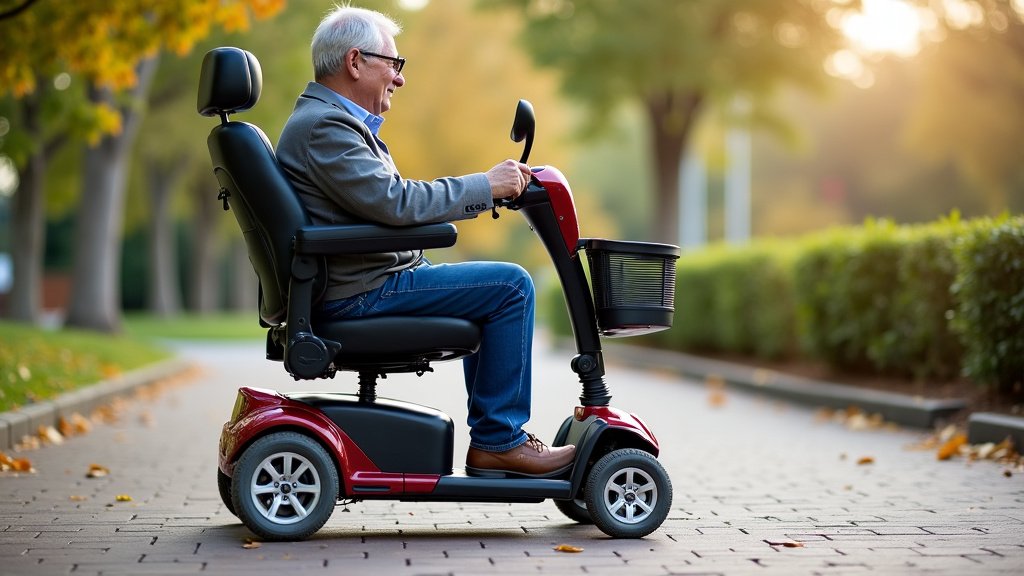
Checklist for Using Freewheel Mode Safely
To ensure you’re using this feature correctly and safely, keep this simple checklist in mind:
- Know your lever: Locate and understand how to operate the freewheel lever on your specific scooter.
- Power off first: Always turn your scooter off before changing modes.
- Confirm engagement: Double-check that the lever is fully in the desired position.
- Test before driving: Power on and test the motor’s response before setting off.
- Brakes are key: Be extra mindful of braking when in freewheel mode.
- Park securely: Always use the parking brake, especially on slopes.
By following these steps, you can confidently use your scooter’s freewheel mode whenever you need it, ensuring both convenience and safety.
Conclusion
You now understand that freewheel mode is a simple yet powerful feature on your mobility scooter. It gives you the freedom to manually move your device, whether your battery is low or you simply need to reposition it. By disengaging the motor, you gain control without relying on power. Remember to always engage and disengage this mode safely, turning your scooter off first and testing the motor afterward. Use this knowledge to enhance your scooter’s usability and your own independence.
Frequently Asked Questions
How do I know if my mobility scooter has a freewheel mode?
Most modern mobility scooters are equipped with a freewheel mode. You can typically find the control lever or switch near the motor or on the tiller. If you’re unsure, your owner’s manual is the best place to check, or you can contact the manufacturer or your dealer.
Can I push my scooter if the freewheel lever is in the “Drive” position?
No, you should not attempt to push your scooter when the lever is in the “Drive” position. This keeps the motor engaged, and you’ll feel significant resistance, making it very difficult to move. It could also potentially damage the scooter’s drivetrain.
What happens if I forget to switch back to “Drive” mode before using my scooter?
If you forget to switch back to “Drive” mode, your scooter simply won’t move when you press the throttle. The motor is disconnected, so it’s like trying to drive a car in neutral. You’ll need to turn the scooter off and re-engage the drive mode before you can operate it.
Is it safe to leave my scooter in freewheel mode when parked?
It’s generally not recommended to leave your scooter in freewheel mode when parked, especially on any kind of incline. Without the motor engaged, the scooter has no power assistance for braking and could roll away. Always ensure it’s in “Drive” mode and the parking brake is securely engaged.
How do I know if the freewheel mode is properly engaged or disengaged?
When you move the lever, you should typically feel or hear a slight click as it locks into position. After changing the mode, it’s essential to test it. If it’s in freewheel, the scooter should roll easily by hand. If it’s in drive mode, you should feel the motor’s resistance and be able to power it on and move forward.
