Mobility Scooter Charger Flashing Green: What It Means
A charger for a mobility scooter flashing green may be charging the battery or signaling that charging is complete. The meaning depends on the charger model, so check its manual before deciding whether to keep charging, disconnect, or troubleshoot.
On this page (8 sections)
- What does a flashing green light on a mobility scooter charger mean?
- How can you tell whether charging is still underway?
- What should you check before troubleshooting the light?
- What should you do if the light pattern seems abnormal?
- Can a flashing green light tell you the battery needs replacing?
- How do you choose a replacement battery or charger?
- What setup and charging mistakes should you avoid?
- What is the safest next step?
A charger for a mobility scooter flashing green may be charging the battery or signaling that charging is complete. The meaning depends on the charger model, so check its manual before deciding whether to keep charging, disconnect, or troubleshoot.
A green flash is a status signal, not a universal code. Some chargers flash while charging and turn steady when finished; others use a different pattern.
The charger manual is the right place to confirm what yours means.
What does a flashing green light on a mobility scooter charger mean?
It shows a charger status, but only the model’s instructions can tell you which one. Find the brand, model number, and light-code guide on the charger or in the manual.
If the manual is missing, contact the charger or scooter maker with the model information. Don’t rely on another charger’s pattern, even if it looks similar.
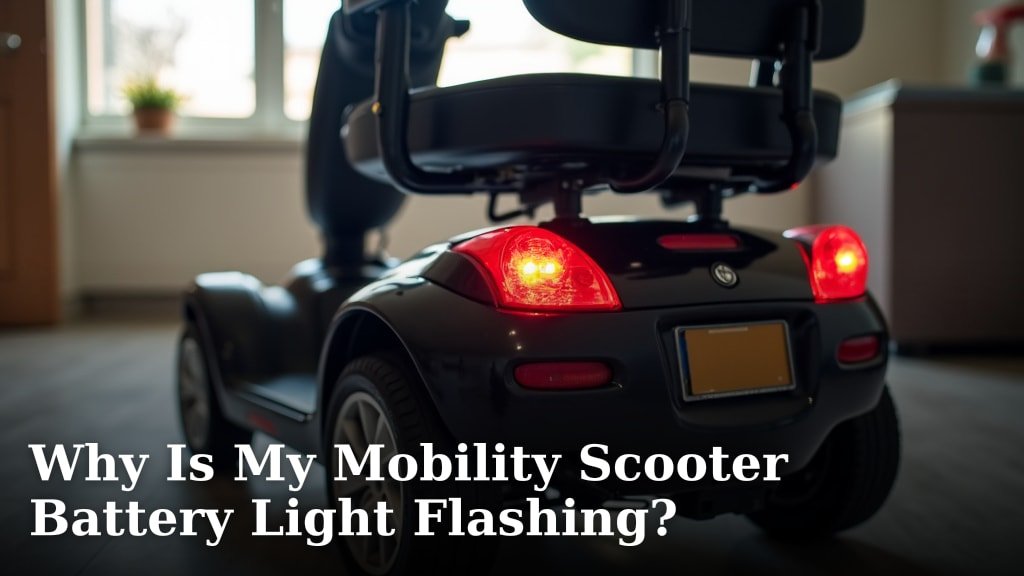
The scooter’s battery indicator can provide another clue, but it may not show the same status as the charger. For help interpreting that display, see Why Is My Mobility Scooter Battery Light Flashing?.
How can you tell whether charging is still underway?
Use the light code and the scooter’s battery response together. A green flash on its own doesn’t prove that charging is complete.
Connect the charger as directed and watch for the indicator change described in the manual. If the manual identifies the flash as active charging, follow its recommended charge period, then check the light and battery indicator again.
Don’t extend the charge based on a guess. If the light doesn’t match the manual or the battery stays low after a normal session, ask the scooter maker or a qualified technician what to check next.
What should you check before troubleshooting the light?
Start with the manual, the visible connections, and the outlet. These checks can help you find a loose plug or simple power issue without opening the charger or battery case.
- Confirm that the charger is intended for your scooter and battery.
- Make sure the plug fits securely at the outlet and scooter charging port.
- Look for visible damage or debris on the cord, plug, and port.
- Check the outlet with another suitable device, if it’s safe to do so.
- Compare the light pattern with the charger or scooter manual.
Keep the charger and connections dry. Don’t touch exposed wires, force a connector, or take the charger apart.
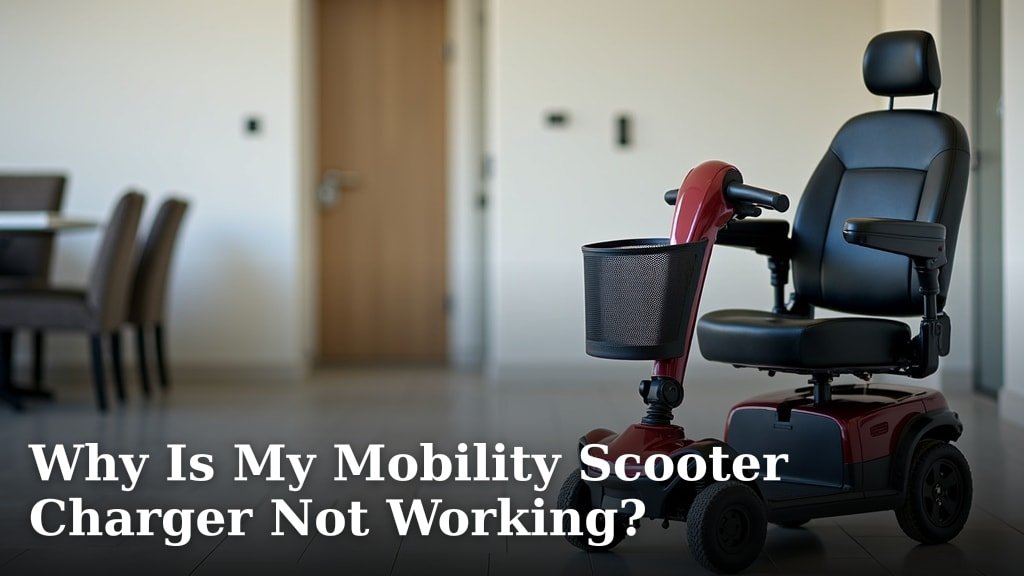
If the charger gives no useful response, see Why Is My Mobility Scooter Charger Not Working?. If the scooter won’t charge at all, Why Is My Mobility Scooter Not Charging? covers related checks.
What should you do if the light pattern seems abnormal?
Stop charging if you notice damage, unusual heat, smoke, or a burning smell. Disconnect power only if you can do so safely, and keep the charger away from water and combustible items.
A pattern that doesn’t match the manual, repeated charging interruptions, or a battery that stays low calls for help from the scooter maker or a qualified technician. Don’t try a different voltage or connector to bypass a possible charger fault.
When replacing a charger, match its voltage, connector, and charging requirements to the scooter and battery. A plug that fits can still be the wrong charger.
Can a flashing green light tell you the battery needs replacing?
No, the light alone can’t confirm battery condition. A low battery reading after charging can point to a connection issue, a charger problem, or a battery that needs professional assessment.
Before calling for service, note the charger model, its light pattern, how long it was connected, and what the scooter’s battery indicator showed. Those details give a technician a useful starting point.
If you are considering replacement batteries, check the scooter’s required voltage, capacity, terminal type, dimensions, and battery configuration first. A 12 V battery won’t necessarily fit every mobility scooter.
The Mighty Max Battery ML7-12 suits a replacement setup that requires those specifications. It can be mounted in any position and resists shocks and vibration, but skip it if your scooter needs a different terminal type, capacity, or battery size.
The ExpertPower EXP1270 fits a compatible 12 V, 7 Ah setup with F1 terminals. Its dimensions are 5.94 x 2.56 x 3.70 in, with a 3.94 in height including terminals, so measure the compartment before choosing it.
Choose the ExpertPower EXP12200 only if your scooter calls for its 12 V, 20 Ah capacity and NB terminals. It measures 7.1 x 6.6 x 3 in, so skip it if your compartment or connector requirements don’t match.
How do you choose a replacement battery or charger?
Match every required specification before buying, and don’t treat a flashing light as proof that a new battery is needed. Check the scooter manual for voltage, battery type, capacity, terminal style, dimensions, and how many batteries the scooter uses.
For a replacement charger, confirm the required voltage, connector, and charging method. For a replacement battery, compare the terminal type and physical size as well as the electrical requirements; F1 and NB terminals are different, and a battery that fits the compartment can still be incompatible.
If you can’t confirm the requirements, contact the scooter maker or a service professional with the scooter model and charger label. For a wider comparison of compatible options, see Best Mobility Scooter Battery Chargers.
What setup and charging mistakes should you avoid?
Use the charger in the order and conditions specified by its manual. A consistent setup makes the indicator easier to interpret and avoids damage from forced or incorrect connections.
Charge in a dry location with the scooter parked securely. Check that the charger plug and port are clean and undamaged, connect them as instructed, and keep the cord clear of wheels and walkways.
Common mistakes include assuming every flashing green light means “full,” using a charger because its plug fits, and charging with a damaged cord. Don’t open the charger to inspect it or use an adapter to force an incompatible connector.
After charging, disconnect the charger as the manual directs and store the cord without tight bends. If you’re unsure about extended charging, read Can You Leave a Mobility Scooter Battery on the Charger All the Time?.
What is the safest next step?
Let the charger manual’s light code decide what the green flash means. If it signals active charging, follow the recommended charge period; if it signals completion, disconnect as instructed.
If the code is unclear, charging keeps stopping, or the battery stays low, write down what you observe and contact the scooter maker or a qualified technician. A charger for a mobility scooter flashing green is a reason to check the model’s instructions first, not to replace the battery by guesswork.
For a separate scooter-light issue, see Why Is My Mobility Scooter Light Not Working?.
Frequently asked questions
Does a flashing green light mean a mobility scooter battery is fully charged?
Not necessarily. Charger indicators vary: a flashing green light may mean charging is underway or that charging has ended.
Check the charger label or manual for that model’s light code, then compare it with the scooter’s battery indicator.
Don’t use the color alone to decide that the battery is ready.
Can I ride my mobility scooter while the charger light is flashing green?
Disconnect the charger before riding, and follow the scooter manual’s charging sequence. A flashing light alone doesn’t confirm the battery is ready to use.
Check the charger instructions and the scooter’s battery indicator before setting off.
Should I unplug a mobility scooter charger when the light turns green?
Follow the charger and scooter manuals because green can mean different things on different models. If the instructions say charging is complete, disconnect it as directed.
Don’t leave the charger connected indefinitely unless the maker says that is safe for your setup.
What if the charger keeps flashing green but the scooter battery stays low?
Check that the charger is firmly connected at both ends and that the outlet works, then look up the light code in the manual. If the battery stays low or charging repeatedly stops, stop using the charger if anything is hot, damaged, or giving off an unusual smell.
Contact a qualified service professional.